
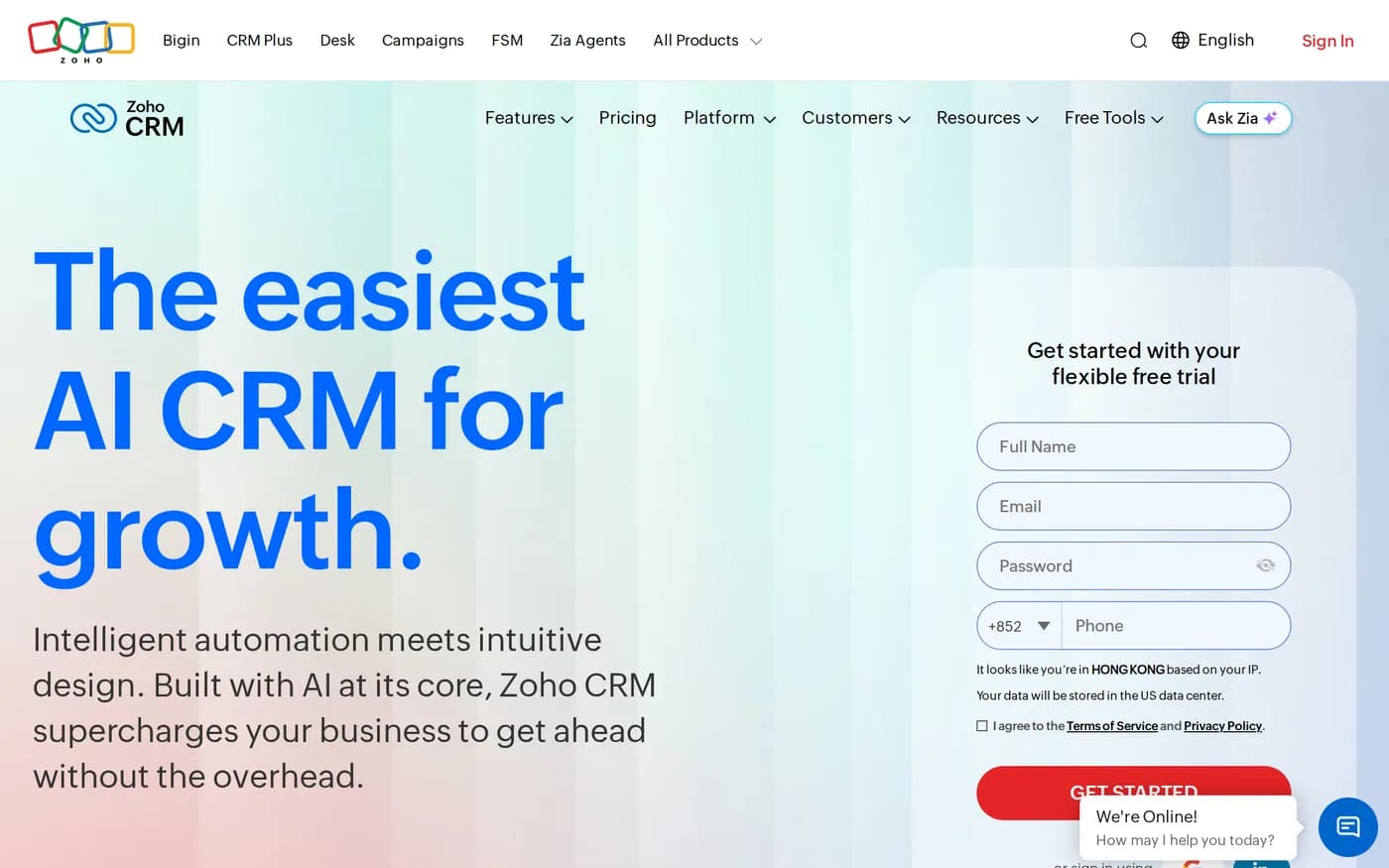
There is a version of the CRM market where price and capability track each other. Zoho is the product that breaks it, and it has been breaking it for long enough that the persistent question is not whether the pricing is real but what you give up to get it.
The numbers, in dollars
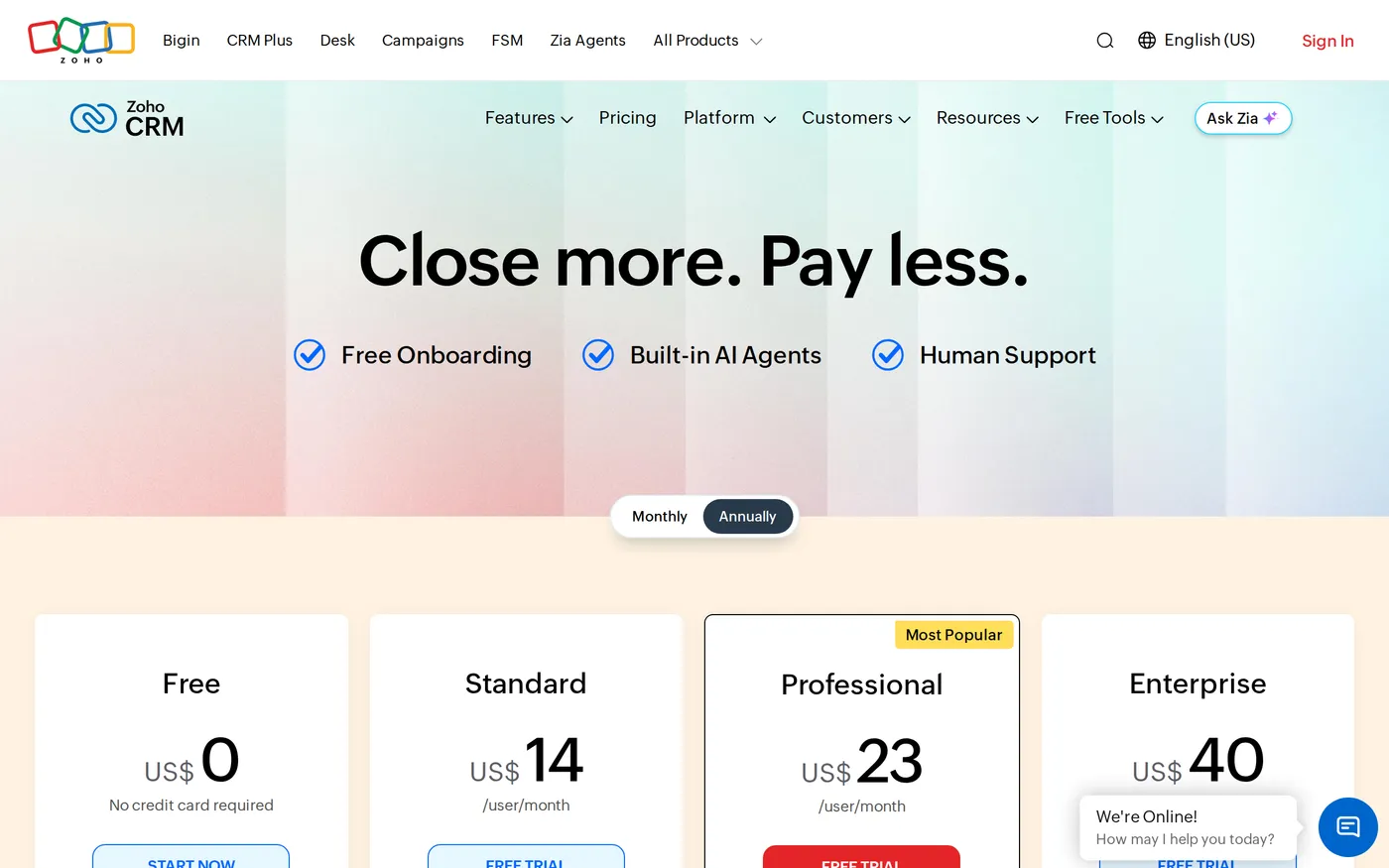
One caution before the figures: Zoho's pricing page shows the currency of the region it thinks you are in, which means comparisons written by people in different countries often contradict each other. Billed annually, in USD, the editions are:
Free — up to 3 users. Contacts, tasks, calls, workflow automation, standard reports, mobile apps.
Standard —
$14per user per month. Workflows and assignment rules, cadences, forecasting, dashboards.Professional —
$23. CPQ, process automation (blueprint), inventory, email intelligence, Google Ads.Enterprise —
$40. Zia the AI assistant, journey orchestration, territories, custom functions, portals.Ultimate —
$52. Raised feature limits, advanced analytics, custom ML and onboarding assistance.
Monthly billing costs roughly 20–30% more per month across the range. Set that against the comparison set in this round-up: HubSpot Professional is $90 a seat plus a $1,500 onboarding fee, Pipedrive Ultimate is $79. Zoho Enterprise at $40 includes territory management and a scripting layer that neither of those offers at any price.
What the low price actually costs
Density
Zoho's interface assumes you want the controls visible. Where Pipedrive shows you a pipeline, Zoho shows you a pipeline, a module bar, a filter rail, a related-records panel and a Zia sidebar. Everything is there; nothing is discoverable. Rep onboarding takes days rather than the hour Pipedrive needs, and that difference has a salary cost that does not appear on the invoice.
The ecosystem join
Zoho's pitch is that CRM, Books, Desk, Campaigns, Forms, Sign and thirty-odd others come from one vendor and therefore work together. They do work together — through configured integrations, with their own field mappings, sync settings and occasional reconciliation. It is materially better than integrating three separate vendors. It is not the single-database experience the marketing implies, and teams that expect the latter lose a fortnight discovering the difference.
Support
Support quality is the most variable thing about Zoho and the most consistent complaint. Higher editions and paid support plans get faster and more competent responses. On lower tiers, expect to solve problems through the documentation and the community forum, both of which are large and reasonably good.

Who Zoho is genuinely right for
Three profiles, and they are narrower than the price suggests:
Teams with a technical admin. Custom functions and Deluge scripting at Enterprise turn Zoho into something close to a development platform. If you have someone who will use that, the capability per dollar is unmatched in this review.
Companies outside North America and Western Europe. Zoho's regional pricing, data-residency options and support presence are stronger than most US-centric competitors, and local payment and tax integrations in Books are real.
Organisations with a complex sales structure. Territory management and journey orchestration at
$40a seat solve problems that otherwise push you to enterprise CRM pricing.
Who should not buy it
If your sales process fits on one board and your team is under ten people, Zoho's capability is overhead. Pipedrive Growth at $39 will be adopted faster and will be running a week sooner. Buying capability you will not configure is the most common Zoho mistake.
If your growth motion is inbound content and nurture, HubSpot's unified record and marketing tooling are a better fit even at the higher price — Zoho Campaigns is competent but is a separate product with a separate contact store.
Data and exit
Zoho exports modules to CSV and has a documented REST API, so getting records out is straightforward. What does not export is the Deluge functions, the blueprints and the layout configuration — which is exactly the investment that made Zoho worth the low price. The lock-in here is not contractual, it is the configuration hours, and they are not portable to anything.
Verdict
7.8, and the score is a statement about fit rather than quality. Zoho CRM at $40 a seat is the best capability-per-dollar in this entire category and one of the few products here that undercuts its competitors without obviously cutting a corner.
The corner it cuts is your time. Budget for a real configuration period, name the person who owns it, and if you cannot name that person, buy something more opinionated instead. Current USD editions are listed on Zoho CRM's pricing page — check the currency selector before you quote a figure to anyone.
Softmarque is not paid by the products it reviews. Prices and plan names were taken from the vendor’s own pricing page on the date shown above and change often; nothing here is financial, legal or accounting advice.