
Zapier's value is easy to state and easy to misjudge. It lets a person who cannot write code connect two systems that do not know about each other, in an afternoon, without a ticket in an engineering backlog. The misjudgement is always about the meter.
What a task is, and why it matters more than the plan
A task is one successful action taken by a Zap. A trigger does not count. Filtering out an irrelevant record does not count. Every step that actually does something — creating a row, sending a message, updating a record — counts as one task each.
So a five-step Zap that runs 200 times a month is not 200 tasks, it is up to 1,000. This is the single most common budgeting error people make with Zapier, and it produces the following pattern:
Someone builds a Zap that fires on every new row in a busy spreadsheet.
It has four action steps because it updates a CRM, notifies a channel, creates a task and logs a record.
The spreadsheet gets 900 rows in a month.
That is 3,600 tasks from one workflow nobody thought of as expensive.
Put a filter step immediately after the trigger on every Zap you build. Filters are free, and they are the difference between automating a process and automating a bill.
The plans
Free —
100tasks a month, two-step workflows, unlimited Zaps, basic AI access.Professional — from
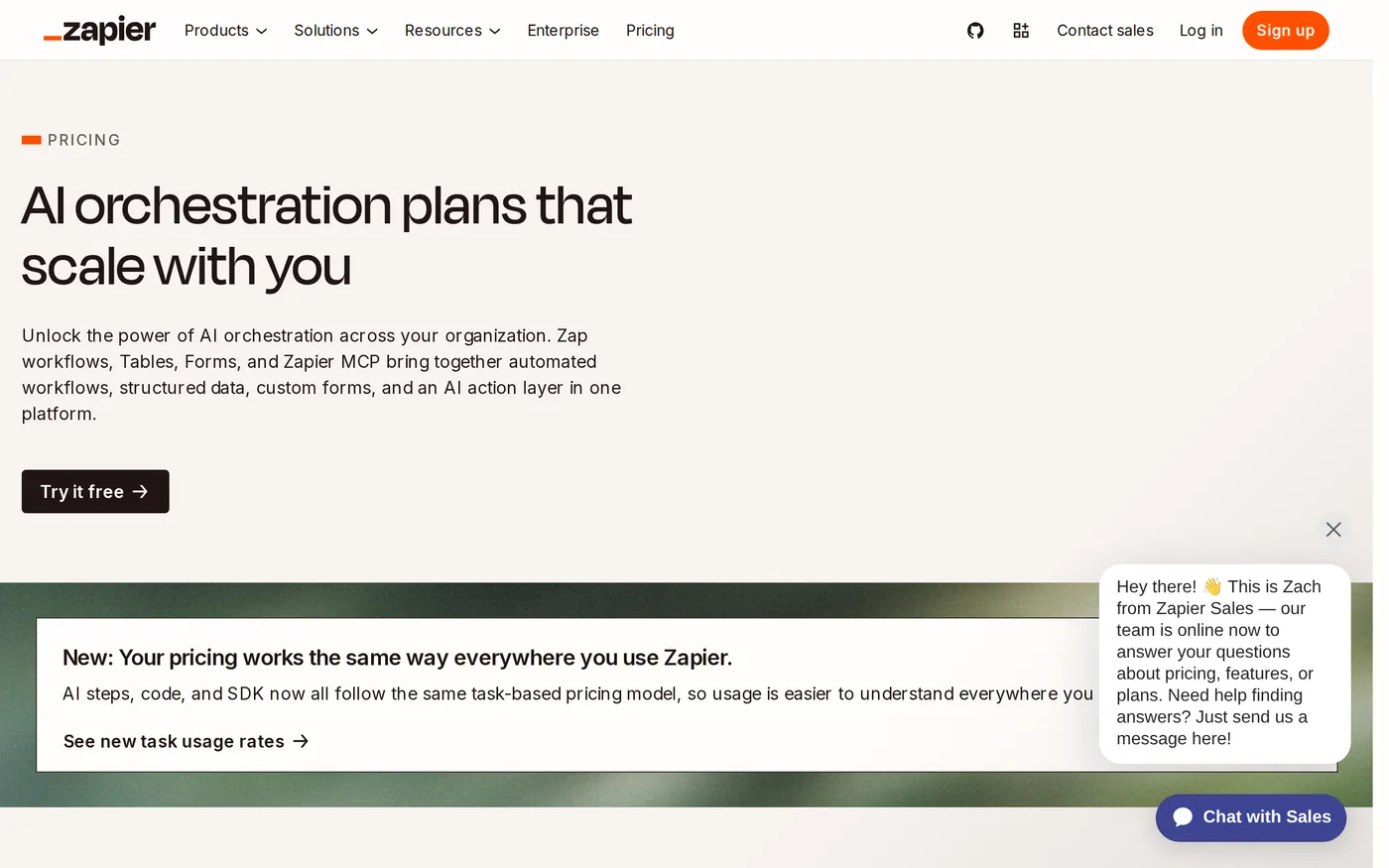
$19.99a month on annual billing at 750 tasks ($29.99monthly), scaling to around$3,389a month at two million tasks. Multi-step workflows, unlimited premium apps, webhooks, email support.Team — from
$69a month annually at 2,000 tasks ($103.50monthly), up to roughly$3,999. 25 users, shared workflows, SAML SSO, priority support.Enterprise — custom. Unlimited users, advanced admin and app controls, SCIM, technical account manager, custom data retention.
The free plan's 100 tasks is genuinely a demonstration. Two-step workflows also rule out the filter-first pattern that makes Zapier economical, which is a slightly unfortunate consequence.
Where the curve bends
Professional is excellent value at the low end and stops being value somewhere in the tens of thousands of tasks. At around 50,000 tasks a month you are paying enough that a developer writing a direct integration starts to look economical — a few days of work against a recurring annual bill.
The honest rule: Zapier is the right answer for many workflows at low volume, and the wrong answer for one workflow at high volume. If a single Zap accounts for most of your task consumption, that specific integration should probably be built properly.
The add-ons
Agents and Chatbots are billed separately from tasks. Agents have a free tier of 400 a month and a paid tier at roughly $33.33 a month on annual Professional billing. Chatbots offer two free bots, with paid tiers from about $13.33 to $66.67 a month.
Worth knowing that these exist and worth ignoring for most buyers. The core product — connect A to B reliably — is what earns the subscription. The agent layer is Zapier attempting not to be disintermediated by AI platforms, and it is not yet a reason to choose Zapier.
Reliability, and the thing that actually goes wrong
Zapier itself is reliable. What fails is the systems either side of it: an API changes, a field is renamed, an authentication token expires. Zapier catches the error, stops the Zap and sends an email.
In a busy inbox that email is missed, and the failure mode is silent — a process that quietly stopped happening three weeks ago and nobody noticed because nothing broke visibly. Every company running Zapier in production should have a named owner who checks the task history weekly. This is not in the marketing and it is the most important operational advice in this review.
What it is unmatched at
Coverage. Over 8,000 integrations is not a number any competitor approaches, and it means the obscure tool your finance team insists on is probably supported. Make and n8n are cheaper per operation and more powerful in the hands of someone technical; both have narrower catalogues and steeper learning curves.
Accessibility. An operations manager can build a working multi-step automation in an afternoon. That is the actual product, and the reason Zapier can charge a premium over more capable alternatives.
Verdict
8.2. For a company without engineering capacity, Zapier converts weeks of manual copying into an afternoon of configuration, and that is worth real money.
Start on Professional at the lowest task band that covers you. Filter first on every Zap. Appoint someone to watch the error log. Review your top three task consumers each quarter and ask whether any of them should be a real integration instead. Current task bands are on Zapier's pricing page — move the slider to your estimate and then add fifty percent.
Softmarque is not paid by the products it reviews. Prices and plan names were taken from the vendor’s own pricing page on the date shown above and change often; nothing here is financial, legal or accounting advice.