
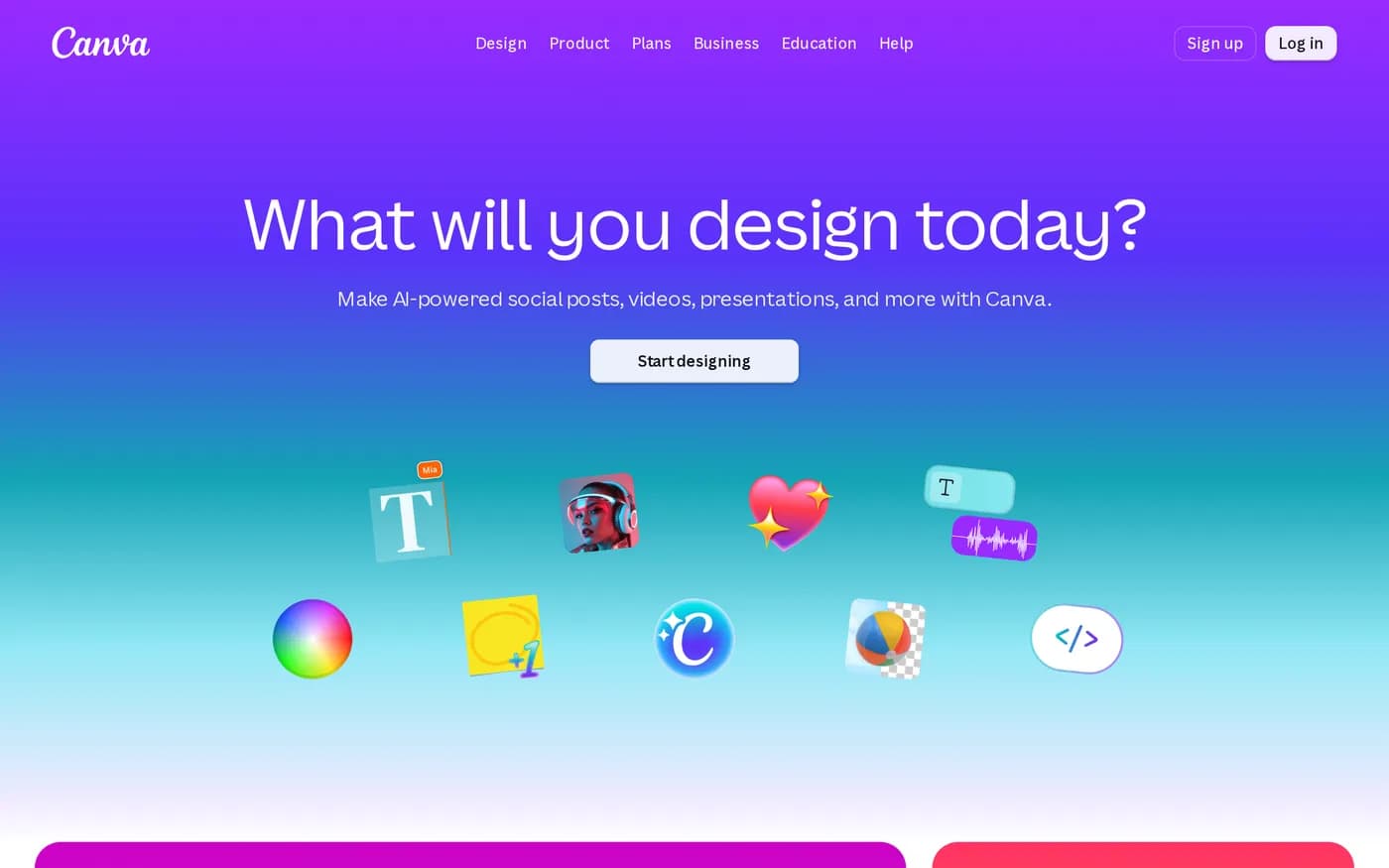
Designers have been dismissing Canva for a decade, and the dismissal misses what it is for. Canva does not compete with Figma for product design work. It competes with the reality that a sales manager needs a one-page leave-behind by Thursday and there is no designer available, so without Canva the leave-behind gets made in PowerPoint and looks like it.
The pricing has changed, and the change matters
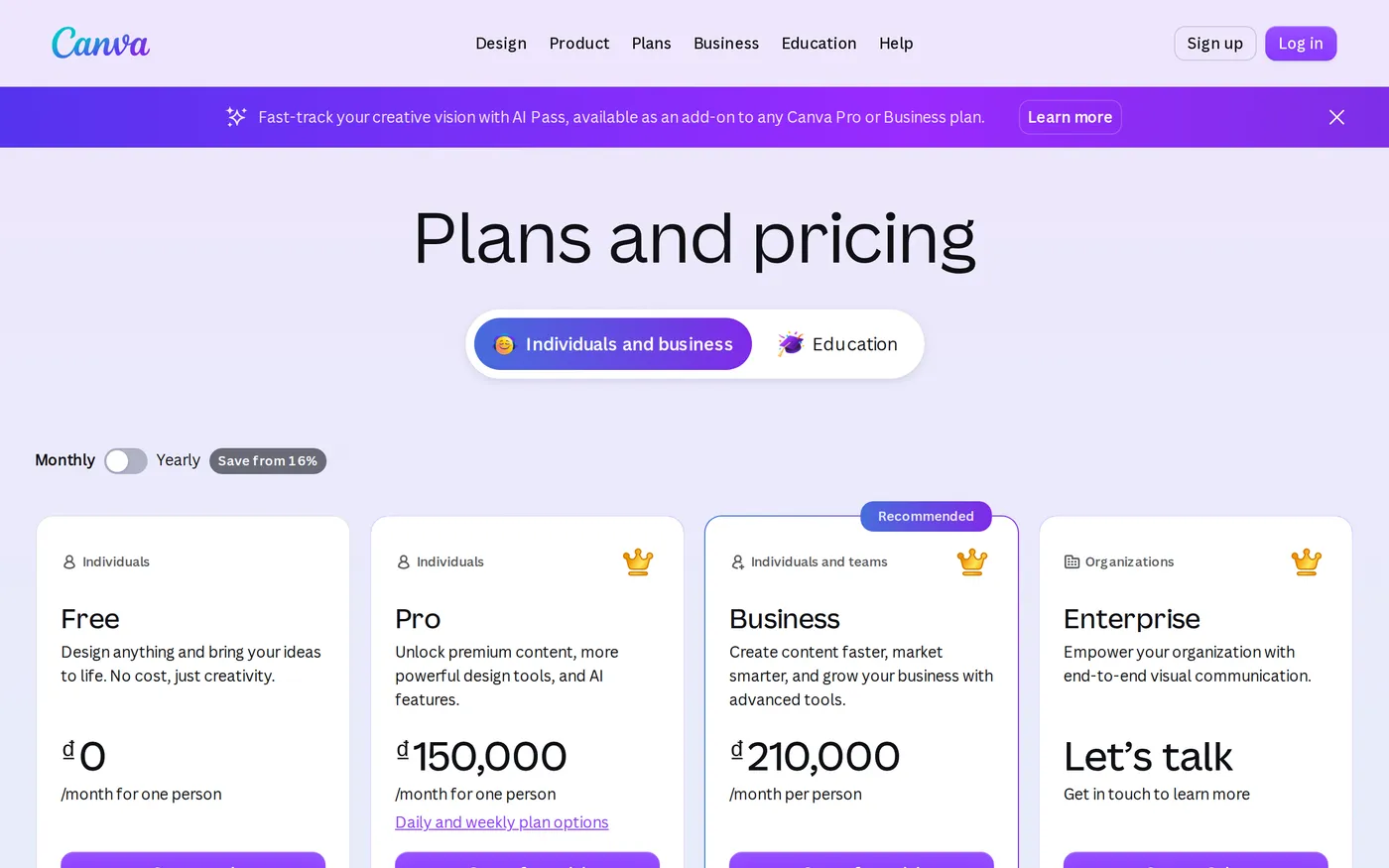
Canva Pro is around $18 a month for an individual, with an annual rate that works out lower. That part is straightforward.
The team story is the one to pay attention to. Canva closed its old flat-rate Teams plan to new sign-ups and replaced it with Canva Business at roughly $25 per user per month, about $250 per user per year on annual billing. Older accounts on the legacy flat plan kept it; new customers cannot get it.
For a marketing team of six, that is roughly $1,800 a year. For a two-hundred-person company where everyone gets access — which is exactly the rollout Canva's value proposition invites — it is $50,000 a year. Any comparison written before that change, and there are many still ranking near the top of search results, is describing pricing you cannot buy.
What Pro and Business are actually buying
Strip the feature list to what changes behaviour:
Brand Kit. Your fonts, colours and logos available by default, so output is on-brand without anybody policing it.
Background remover and Magic Resize. The two features that save the most measurable time, week in and week out.
The premium asset library. Stock photography and elements you are licensed to use, which quietly removes a whole category of legal exposure.
Brand templates with locked elements. Business-tier control that lets a designer define what can and cannot be changed.
That last one is the argument for Business over a pile of individual Pro subscriptions. A locked template is a review process you do not have to run. If your brand guidelines currently depend on someone checking every asset before it goes out, template locking is the feature that pays for the tier.
The template problem
Canva's templates are the reason non-designers succeed with it and the reason the results are recognisable. There is a visual register — a particular way of arranging a headline over a photograph with a soft gradient and a rounded button — that reads as Canva to anyone who has looked at a lot of marketing material.
For internal decks, event signage, social posts and recruitment collateral, that is a non-issue. For anything that is your primary brand expression — the homepage, the product packaging, the investor deck — it is a real cost. The rule of thumb that holds up: use Canva where consistency matters more than distinctiveness, and hire a designer where it is the other way round.
Where it fails, specifically
There is no handoff. A Canva design exports as PNG, JPG, PDF or MP4. It does not export as anything a designer can open and continue working in. When a piece of work outgrows Canva, it is rebuilt from scratch, and nobody warns you about that at the point where you decide to start something in Canva.
Asset governance is thin. Folders, shared brand templates and permissions exist, but there is no version history worth relying on and no meaningful audit trail. At two hundred seats you will have several nearly-identical copies of the same quarterly template and no reliable way to identify the current one. This is the single strongest argument for keeping the seat count deliberate rather than giving everyone access because the per-seat price seems small.
The free tier
Worth a paragraph on its own, because it is unusually generous: the editor, a large template library, collaboration and no time limit. Most individuals never need to pay. If you are evaluating for a team, spend a fortnight on free before you buy — the conversion decision should be driven by Brand Kit and template locking, not by the asset library.
Verdict
8.3. Canva is one of the few products in this round-up that expanded who can do a job rather than making an existing job slightly faster, and it deserves credit for that.
The score is held back by the per-seat move. At $25 a user, the company-wide rollout that Canva's whole pitch implies has become a serious line item, and the governance tooling has not improved to match. Decide who actually produces collateral, buy Business for them, and leave everyone else on free. Current plans are on Canva's pricing page.
Softmarque is not paid by the products it reviews. Prices and plan names were taken from the vendor’s own pricing page on the date shown above and change often; nothing here is financial, legal or accounting advice.